


Direct Answer:
The Android app development cost in India may range from ₹2 lakh to ₹5 lakh for a basic custom app in 2027. A business app with customer accounts, bookings or staff dashboards may cost ₹5–15 lakh. For apps with live tracking, several user roles and complex features, the price can reach ₹15–40 lakh. Large business applications may cost over ₹40 lakh. These are planning estimates based on Indian developer prices published in 2026. Your actual mobile app development cost will depend on what you want the app to do.
You have an idea for an Android app development and want to know how much it will cost. After speaking to a few developers, you receive very different quotes. Naturally, you want to understand the price difference before spending your money.
A closer look at the quotes may explain it. One developer has included the customer app, while another has added a staff dashboard and a system to manage orders. Testing and launch support may also be priced differently. Knowing what each developer will build gives you a better idea of the budget you need.
How Much Does Android App Development Cost in India in 2027?
A simple business app may only need to show products, services and contact details. Things change when customers need to book appointments or place orders. The developer must then build the system that handles these requests and keeps the information updated.
For 2027, the estimated Android application development cost in India can be divided into four broad ranges:
| App complexity | Estimated build cost | What it may include | Estimated time |
| Basic | ₹2–5 lakh | Business details, product pages, enquiries | 4–10 weeks |
| Standard business | ₹5–15 lakh | Customer accounts, orders or bookings, staff dashboard | 2–5 months |
| Advanced | ₹15–40 lakh | Several user roles, live updates, custom connections | 4–9 months |
| Enterprise | ₹40 lakh and above | Large business systems, advanced security, complex integrations | 6–12 months or longer |
These are broad estimates based on published 2026 prices. An app built around your existing business software may cost less. If the work involves custom features or difficult integrations, the price can increase.
Before accepting a quote, find out if it covers design, backend development, testing and Google Play submission. Hosting, paid services and GST may be charged separately.
Android App Development Cost Based on the Type of App
The mobile app development price depends on what your app needs to do. A shop may only need to show products and prices. A delivery app needs to manage orders, customers and riders. More features can mean a higher cost.
1) Basic Business and Service Apps
A repair shop may want customers to book home visits. A furniture shop may use an app to show beds, tables and prices. The Android app making cost can stay lower when the app has only a few simple features.
These apps may include the following features:
- Product details: Customers can see product pictures, prices and other details.
- Customer enquiries: People can call the shop or send questions.
- Appointments: Customers can choose a date for a home visit.
- Booking updates: Staff can confirm bookings and send messages to customers.
2) Ecommerce and Booking Apps
An online shop needs an app to sell products. A salon may need one to manage appointments. Both apps must keep track of customer requests.
These apps may need the following features:
- Product list: Customers can see items available for sale.
- Online payments: People can pay for products through the app.
- Order tracking: Customers can check where their orders have reached.
- Appointment booking: People can choose available dates and times.
- Staff screen: Employees can check orders and manage bookings.
3) On-Demand and Marketplace Apps
A food delivery app connects customers, restaurants and delivery riders. Everyone needs to know what is happening with an order. A shopping marketplace connects people who buy and sell products.
Such apps may need these features:
- Customer app: People can order food or other products.
- Rider app: Riders can accept orders and update delivery details.
- Seller accounts: Shops can add products and manage their orders.
- Staff screen: Employees can assign deliveries and solve customer problems.
4) Enterprise and Industry-Specific Apps
Large companies may need apps for their staff. Schools and hospitals may also need apps for daily work. Some businesses must keep customer details safe.
The Android application development cost depends on the features needed.
- Employee apps: Staff can mark attendance and send work reports.
- Offline access: People can save work without an internet connection.
- School apps: Teachers and students can use their own accounts.
- Hospital apps: Staff can manage bookings and see patient records.
- Finance apps: Extra safety checks can protect private customer details.
- Existing software: The app can connect with systems the company uses.
What Goes Into the Cost of Building an Android App?
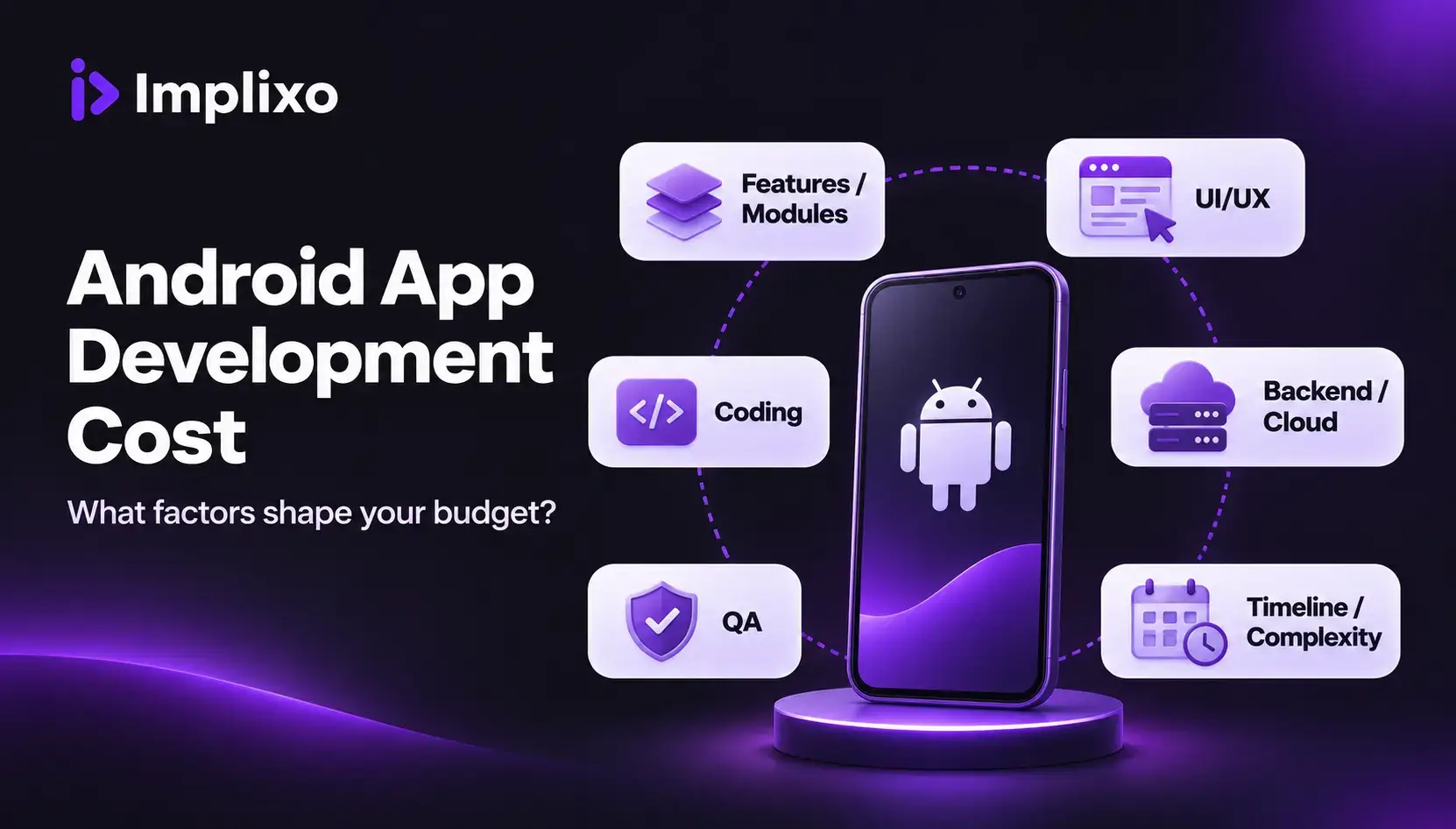
Building an Android app involves different types of work. The team must design the screens, build the features and save customer information. Everything also needs to be tested before customers can use the app.
1) Planning, UI/UX Design and App Development
A salon may want customers to book appointments through an app. The developers first learn how the salon manages its bookings. They then plan the screens and features needed for the app.
This stage includes the following work:
- Planning: The team decides what the app needs to do.
- Screen design: Designers prepare the screens that customers will use.
- Design review: The business owner checks the screens and requests changes.
- App development: Developers build the app using tools such as Kotlin and Jetpack Compose.
- Feature development: A simple contact form takes less work than a booking calendar that updates available times.
2) Backend Development and Third-Party Integrations
When someone books an appointment, the app must save the details. It must also update the available times so other customers can see them. The system that handles this work is called the backend.
The backend may include these parts:
- Customer records: The system saves customer details and appointment information.
- Booking updates: The app removes booked times from the list of available slots.
- Staff dashboard: Employees can check bookings, change appointments and cancel requests.
- Existing software: Developers can connect the app to software the business already uses.
- Other services: Payment systems and other software connections must work correctly.
3) Quality Testing and App Launch
The app must work properly before customers start using it. Developers check the features and fix problems found during testing. They also prepare the app for release on Google Play.
This stage includes the following checks:
- Booking tests: The app must stop two customers from booking the same time.
- Internet tests: Customer requests should be handled correctly if the connection stops.
- Device tests: Screens must work properly on different supported phones.
- Speed and safety: Developers check the app’s speed and basic security.
- Google Play launch: The team prepares the app details and submits the required information.
- Launch support: The project quote should explain which fixes and launch services are included.
Which Features Have the Biggest Impact on Android App Development Cost?
A feature can sound small when you describe it in a meeting. Take payments in a shopping app. A basic checkout may use one payment company, with the customer paying the shop directly. A marketplace with many sellers needs a way to track which seller should get paid. Refunds and failed payments can add more work. The difference affects the Android app development price.
Here is how the work can change for other features:
| Feature | Simple version | More work may be needed for |
| Customer accounts | Sign in using email and a password | One-time codes, password recovery and staff accounts |
| Payments | Pay through one payment company | Refunds, subscriptions and payments to several sellers |
| Maps | Show the shop’s address | Track drivers and change delivery routes |
| Messages | Send a booking confirmation | Live chat and saved conversations |
| Offline use | Save a form on the phone | Share changes made on several phones later |
| AI features | Use an existing AI service | Check answers, protect data and manage service charges |
| Admin dashboard | View and change customer records | Staff approvals, reports and records of changes |
A delivery driver may fill in a form without internet access. The notes stay on the phone until the signal returns. During that time, the office may change the same delivery record. The app then needs to handle both changes without losing the right information. That takes more work than saving a form on one phone.
Native Android vs Flutter vs React Native: Which Costs Less?
The first question is where you want people to use the app. An Android app may be enough for a local business. If customers also need an iPhone app, building two versions becomes part of the budget. The way developers share their work can then affect the price.
| Approach | How it works | What affects the cost |
| Native Android | Built for Android using tools such as Kotlin | Work needed for Android features and devices |
| Flutter | Can use much of the same code for Android and iPhone | How much work can be shared between both apps |
| React Native | Can share many screens and functions across both apps | Shared work and features that need separate coding |
For an Android-only release, native Android may be a sensible choice. Flutter and React Native can build an Android app as well. Neither is guaranteed to be cheaper for a single app.
If you want both versions, shared code may save development time. The team still has to check each app on its own phones. Features such as cameras and notifications may need extra work for each platform. Ask for prices based on the same features, so the comparison is fair.
How Do Android Developers in India Calculate Project Costs?
Two teams can charge different prices for the same app idea. A lower hourly rate may look cheaper at first. Yet the final bill also depends on how many hours each job takes. The quote should show the people and work included, so you can see where the money goes.
Android Developer Rates and Hiring Models
For a small change to an existing app, one freelancer may be enough. A full booking app may need a designer, an Android developer, someone to build the system behind the app and a tester. An agency can provide those people together. Hiring your own team means paying salaries after the first version is finished.
Clutch, a website that lists development companies, puts Indian mobile app agencies in a broad rate group below US$25 per hour in its 2026 guide. Individual companies can charge more than that. The figure is a guide, rather than a set price for every developer.
Before you hire Android app developers, check what each person will do. A fixed-price quote covers a list of agreed tasks. With hourly billing, the final charge depends on the time used. Work that changes during the project can affect either arrangement.
A Sample Android App Development Cost Calculation
A clinic wants patients to book appointments using an Android app. Patients will choose a free time, and staff will manage bookings on a web dashboard. The app will use existing companies for payments and messages.
Suppose the development team charges an average of ₹1,500 for each hour of work. The following Android app development cost estimate shows one possible calculation. These are sample hours and prices, not actual Implixo rates or market averages.
| Work | Example hours | Example cost |
| Planning and screen design | 60 | ₹90,000 |
| Android app development | 160 | ₹2,40,000 |
| Backend, dashboard and connections | 150 | ₹2,25,000 |
| Testing and fixes | 90 | ₹1,35,000 |
| Launch work and project management | 40 | ₹60,000 |
| Total | 500 | ₹7,50,000 |
If GST, a tax on many services, applies at 18%, the total build bill becomes ₹8,85,000. Running the app and paying for future support would cost extra. More clinic branches or harder booking rules could add development hours.
What Does It Cost to Run and Maintain an Android App?
After the clinic opens its booking app to patients, it will keep receiving new bookings. Those records need online storage. Booking messages may carry a charge, and problems found later may need fixing. Such bills are separate from the Android mobile app development cost unless the contract includes them.
| Expense | What the business pays for |
| Google Play account | A one-time registration fee of US$25 |
| Hosting and database | A place to keep records, plus backups and online traffic |
| Messages and one-time codes | Charges based on the service and number sent |
| Maps and routes | Certain location tools that charge for use |
| Payment processing | Fees charged by the payment company |
| Maintenance | Agreed fixes, safety work and Android updates |
| New features | More design, coding and testing after launch |
Some online tools offer a free level of service. Firebase, a service for storing app data, has a free plan called Spark and a paid plan called Blaze. How much you pay depends on the tools you use and the number of requests. Google Maps has separate prices for different services. Its Maps SDK currently has unlimited no-charge use under eligible India pricing, though some route and place-search tools can cost money.
The clinic’s sample build bill was ₹8.85 lakh, including assumed GST. Now set aside ₹36,000 for a year of hosting and paid tools. Add another ₹75,000 for support, and the first-year planning amount reaches ₹9.96 lakh. These two extra amounts are examples, not actual service quotes. The total leaves out Google Play registration, any tax on ongoing services and new features. Real costs will depend on how many patients use the app and what the support contract covers.
Android App Development Requirements and Regulations for 2027
Before an app can reach customers, it must follow the rules that apply to its release. Google sets rules for apps on Google Play. Indian data laws may apply if the business collects people’s personal details. Some changes planned for 2027 could affect the work and testing needed.
Android 17 and Device Compatibility
Google plans to require new apps and updates on Google Play to target Android 17 from August 2027. Developers call this target API level 37. The team should check that the app works on phones, tablets and folding phones. Some screens may need changes to fit larger devices.
Another deadline is 1 February 2027. Certain Google Play updates for Android 15 or newer must work with a new memory setting called 16 KB page size. Older parts of an app may need changes and extra testing before an update can be released.
Google Play Store Policies and Testing
To publish on Google Play, a business needs a developer account. Google currently charges a one-time registration fee of US$25. The account must meet Google’s checks, and the app needs the required store and privacy details.
Some new personal accounts must test an app with a group of people before release. Under the current rule, this applies to personal developer accounts created after 13 November 2023. They need at least 12 testers who stay enrolled for 14 days in a row. After that, the developer can apply to release the app to everyone. Organisation accounts follow different rules.
If users can create accounts in the app, Google’s account-deletion rules may apply. The app and a web page must offer ways to request deletion when the policy requires them.
Data Protection and Security Requirements in India
India’s Digital Personal Data Protection rules are being introduced in stages. Several main duties are scheduled to start on 13 May 2027. A business that collects names, phone numbers or other personal information should check which rules apply to it.
Some apps may need clear privacy notices or ways for people to manage their data. Personal records must be protected with suitable care. Health and finance apps may have further rules because of the services they provide. Include the work that applies to your app when planning the Android development cost.
How Can Businesses Reduce Android App Development Costs?
A business may have a long wish list for its first app. Building every idea at once can mean a bigger bill and a later launch. A smaller first version can still do the main job well, as long as it includes the features people need to complete that job.
- Build the main customer task first: A clinic can begin with choosing and confirming appointments. Video calls and reward points can wait for a later version.
- Look at the software you own: Your current stock or booking system may have information the new app can use. The developer should check the connection before planning any savings.
- Choose the phones you need to support: If customers mainly use Android, launch there first. Add an iPhone app when there is a clear need.
- Use existing services where they fit: A trusted payment or message service may save custom coding. Check its fees and limits before you choose it.
- Agree on the important screens early: Review the main steps with your team before coding begins. Changing finished work can add hours to the bill.
A mobile-friendly website may be enough for a shop that needs product information and enquiry forms. Consider what customers need before paying for a separate app.
What Should You Check Before Accepting an Android App Development Quote?
A quote may look cheap because it leaves out work your business will need. Two developers may even be pricing different versions of your idea. Give both the same list of features, then compare the work they promise to deliver.
Check these details before you sign:
- Features and screens: Ask what customers and staff will be able to do.
- Backend and dashboard: Check whether staff can manage orders and bookings in the quoted price.
- Outside charges: Find out who pays for hosting, messages and other services.
- Testing and launch: Confirm which devices will be tested and who handles the Google Play release.
- Ownership and access: Agree on who owns the code and keeps the security files needed to update the app.
- Dates and payments: Set clear steps for delivery, approval and payment.
- Support after launch: Ask which problems the team will fix and for how long.
A clear Android application development price should match a written list of work. If a dashboard or payment connection is missing, it is better to find out before the project starts.
Plan Your Android App Development with Implixo
Maybe you have an idea for a new app or you want to upgrade old app or an app you already use needs better screens or new features. Tell Implixo what your customers and staff need to do.
Our team works on Android app development, UI/UX design, updates, testing and launch support. We can also discuss the system behind the app and how it will connect with your business software. Share your requirements with Implixo so we can review the work, discuss the Android app development cost and prepare a quote for your project. From planning and design to development and launch, Implixo is top mobile app development company in Noida offering services in Delhi, Ghaziabad, Pune and Across the Globe.